 MAKENEXA
Choose a manufacturing process
Start with geometry, material behavior, quantity and required surface—not a machine name.
Compare CNC, sheet metal, additive and molding on the Capabilities page.Manufacturing resources
Choose a process, organize CAD and drawings, split must-haves from nice-to-haves, and list material, finish, inspection and delivery details that actually move a quote. Then send the package—unknowns are fine when you mark them.
Start this RFQ Review the route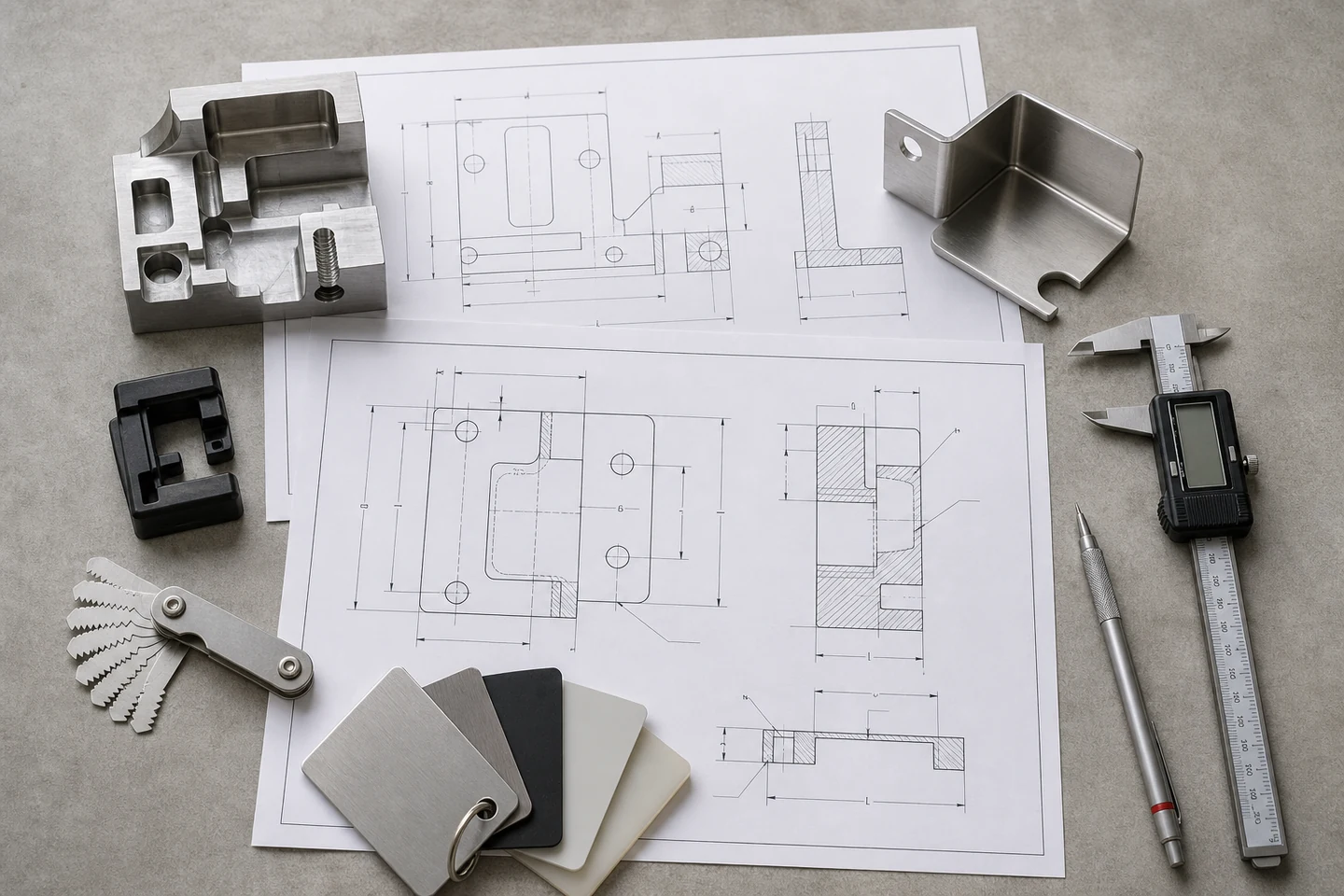
Decision guide
The 3D model communicates nominal geometry, but it rarely communicates every purchasing requirement. A useful package connects the model to a revision-controlled drawing, quantity and delivery context, material and finish definition, critical features, requested records and contact route for clarification.
Not every field must be fixed before review. Mark unknowns honestly and identify acceptable alternatives. That lets MakeNexa focus questions on the decisions that affect route, risk, price and lead time instead of treating every missing detail as equally important.
Route options
Use the relevant section now; deeper articles should only be added when they answer a distinct search or RFQ question.
Use the checklist below as a local preparation aid. It does not upload or store project data.
Start with geometry, material behavior, quantity and required surface—not a machine name.
Compare CNC, sheet metal, additive and molding on the Capabilities page.Use CAD for nominal geometry and drawings for tolerances, threads, finishes and controlled notes.
Keep file names and revision identifiers consistent across the package.Mark what controls function, compliance or acceptance and what may be optimized.
This gives the quote team room to propose practical alternatives without guessing.Provide quantities, destination, schedule, inspection and requested records.
Commercial and logistics assumptions can change supplier fit as much as geometry.Decision table
Use this table to identify the purpose of each input.
| Input | Controls | Common mistake |
|---|---|---|
| 3D CAD | Nominal part geometry and assembly relationships | Sending an obsolete or wrong-scale model |
| 2D drawing | Critical dimensions, tolerances, threads, finishes and notes | Applying tight controls everywhere without functional priority |
| Commercial scope | Quantities, project stage, target timing and delivery pattern | Providing only one quantity when prototype and repeat demand differ |
| Quality scope | Inspection method, sampling, material and conformance records | Requesting undefined certificates or reports |
| Restrictions | Controlled source, geography, data, compliance and handling limits | Disclosing a restriction only after supplier routing |
Preparation
Check what is ready. Unknowns are acceptable when they are identified.
Frequently asked questions
Use the submitted quote and written clarification as the project-specific record.
Yes. Provide the information you have and label the missing decisions. A useful initial package still needs enough geometry, quantity and application context for MakeNexa to ask focused questions.
The intake accepts common neutral and native CAD, mesh, drawing, archive and image formats shown beside the upload field. STEP plus a PDF drawing is a strong default for many machined or fabricated parts.
Combine parts that belong to one assembly, program or coordinated delivery and include a BOM or clear naming scheme. Separate unrelated projects when their contacts, restrictions or delivery requirements differ.
You receive a stable RFQ reference and email receipt. MakeNexa reviews the package, asks clarification when needed and returns a reviewed quote or a clear next step.
Ready for review
You will receive a stable RFQ reference. MakeNexa will assess the package, request clarification when needed and return a reviewed quote or clear next action.