 MAKENEXA
RFQ workflow
From project files to a reviewed manufacturing quote
MakeNexa brings CAD, drawings, commercial scope, delivery constraints and quality requirements into one assisted RFQ. Engineering reviews the package before confirming a route or price—there is no automated one-click price. The current product ends with a reviewed quote and next action; it does not simulate checkout, production tracking or shipment.
What to expect on timing: after you submit, you get a stable RFQ reference and can upload files. A MakeNexa engineer responds within one business day—with a reviewed quote, or with the specific questions that are blocking one. Incomplete packages usually receive that focused clarification first. How long the full reviewed quote takes after that depends on complexity and how complete the package is—not a fixed countdown clock.
Prepare an RFQ See standards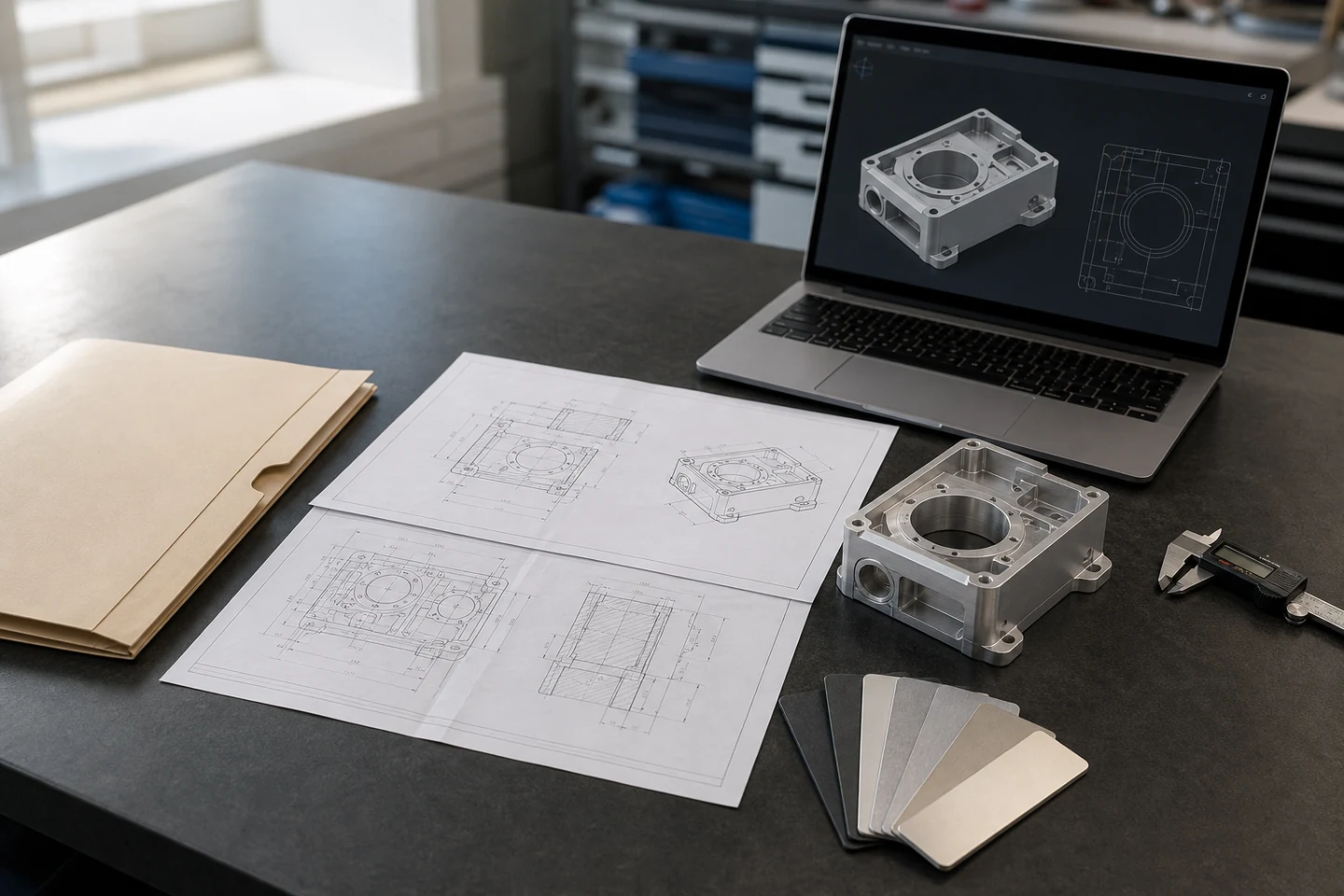
Step by Step
A complete assisted-RFQ flow
Each step exists to make the package ready for review before MakeNexa commits to a manufacturing route, price, timing or documentation scope.
1. Attach the controlled package
Provide CAD, revision-matched drawings, BOM or assembly references, and any material or finish specification that controls acceptance.
2. Define part and commercial scope
State the likely process, project type, material, quantity, finish, target timing and acceptable alternatives. “Not sure” is valid when the files should drive route selection.
3. Separate quality requirements
Identify critical tolerances, inspection points, document needs, handling restrictions and compliance context separately from preferences.
4. Describe delivery constraints
Add the delivery location, needed-by window, split-shipment needs and schedule flexibility because these can change logistics and supplier fit.
5. Submit and keep the reference
A successful submission returns a stable RFQ reference and email receipt, plus a private link to upload CAD and drawings. Files remain malware-scanned and available only through authorized controls.
6. Clarify, assess and quote
Engineering records missing information, reviews manufacturing fit, and returns a reviewed quote or a clear response with assumptions. If drawings or tolerances are incomplete, expect questions before a price—not a blind number.
Buyer Inputs
What makes an RFQ ready for review
The package does not need to be perfect, but requirements that control price, route or acceptance should be explicit.
| RFQ Input | What to Provide | Why It Matters |
|---|---|---|
| Files and revision | 3D CAD plus revision-matched drawing, BOM or supporting specification | Defines geometry and the controlled requirement set |
| Manufacturing scope | Process if known, project type, material, quantity, finish and alternatives | Frames feasible routing and commercial assumptions |
| Quality and restrictions | Critical features, tolerances, inspection, documents and compliance context | Separates acceptance criteria from preferences |
| Delivery | Destination, needed-by window, split shipments and flexibility | Prevents route and logistics assumptions from staying hidden |
| Contact context | Company, region and a contact for technical or commercial questions | Gives clarification a direct response path |
Start Point
Start without creating an account
Guest RFQ submission remains available. Upload the files you have, mark unknowns honestly, and keep the returned reference for clarification and quote follow-up.
Already have a project workspace? Sign in. New buyers may create an account, but an account is not required to submit an RFQ.
After Submission
Expect a human review, not a countdown timer
The first response may ask for a drawing, a clearer tolerance, a material alternative, a quantity break, or the intended use of a feature. Those questions are normal: they prevent an attractive but incomplete quote from becoming a production problem. Complete CAD and revision-matched drawings are the fastest path to a reviewed quote.
Changes stay visible
If the process, material, finish, inspection scope, quantity, or timing assumption changes, the revised scope should be confirmed before work proceeds.
A clear next action
The reviewed response identifies what is feasible, what remains open, and what you must approve. There is no simulated checkout or shipment tracker in this product stage—only the RFQ, clarification and quote path.